
Version 6.0
This page details the enhancements and issues resolved in version 6.0.
Release dates:
- AOP - December 2025
User information tiles
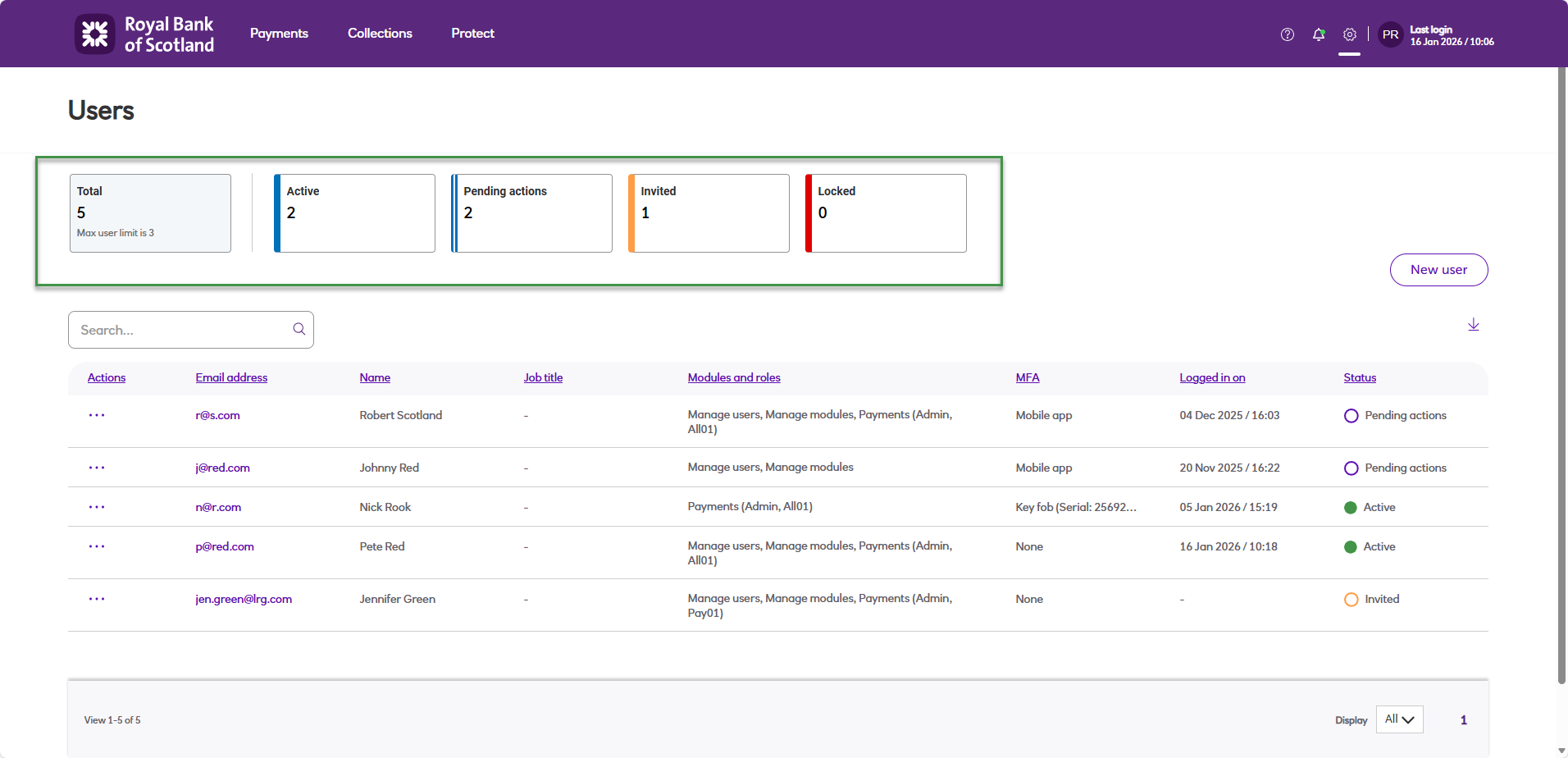
To give you better visibility into user activity, we’ve added tiles at the top of the user screen showing how many users are in each state. This helps you monitor and manage users more effectively, making it easier to identify inactive accounts and remove them to keep your system secure.
The different user states are:
- Active - Active user with no required actions pending.
- Pending action - User has requested an MFA account reset, requested a security question reset or password has expired.
- Locked - User has incorrectly entered their password or one-time passcode 5 times, and is then in a locked state for 20 minutes.
- Invited - User has not yet responded to the ‘welcome’ email and completed the account setup process.
Updated 7 months ago
Did this page help you?